
The Nexus Forex EA is a pair of rules-based Expert Advisors (EAs), one for EURUSD and one for GBPUSD, that run inside MetaTrader 4 or MetaTrader 5 and place, manage and close trades automatically according to fixed rules. You install the files on your own terminal and attach them to a chart. The software handles execution, while your account and funds stay with your broker.
You can run it live with a 100% Free Live Trading Licence through a Nexus Preferred Broker, keep your own broker from $49.95 a month, or test both EAs free on a demo account for 60 days first. This guide explains how the Nexus trading bot works on MT4 and MT5, how to set it up, what the public live results do and do not show, and how each licence route works.
Jump to: What it is · At a glance · How it works · MT4 vs MT5 · Setup · Live results · Licence and pricing · Is it right for you? · FAQs
An Expert Advisor is a program that runs inside the MetaTrader platform and can open, manage and close trades without you placing each one by hand. The Nexus Forex EA is the Nexus Forex Trading version: the Nexus EURUSD EA and the Nexus GBPUSD EA, always supplied together and built for both MT4 and MT5. If you have seen it described as the Nexus trading bot, the Nexus forex robot or the Nexus EURUSD GBPUSD EA, it is the same product.
A program inside MetaTrader that can open, manage and close trades without you placing each one by hand.
It acts on written rules rather than a fresh human decision each time. That removes the clicking, not the risk.
Other names for the same kind of software. The Nexus trading bot is the EURUSD and GBPUSD EA pair.
It also helps to be clear about what Nexus is not. Nexus provides software and education only. It does not hold your money, manage your account or give personal financial advice, and you remain responsible for the account the EA trades on.
| What you receive | Nexus EURUSD EA and Nexus GBPUSD EA, always supplied together |
| Platforms | MetaTrader 4 and MetaTrader 5 |
| Where it runs | On your own MT4 or MT5 terminal, attached to a chart |
| 100% Free Live Trading Licence | For eligible funded live accounts with RoboForex, Vantage Markets or AvaTrade, verified by Nexus. One licence per eligible account, no limit on accounts |
| Own Broker Licence | $49.95 a month (cancel any time), $134.85 a quarter (save 10%) or $499.95 lifetime. Covers one live and one demo account licence |
| Free demo | 60 days, both EAs, one demo account, files emailed within 8–24 hours |
| Setup and updates | Setup guide, documentation, updates and support |
| What Nexus does not do | Hold your funds, manage your account or give personal financial advice |
Nexus may receive compensation from Preferred Brokers. Prices are in US dollars.
Go live with the 100% Free Live Trading Licence through a Preferred Broker, or run both EAs on your own MT4 or MT5 demo account for 60 days and judge them on what you see, not on what we say.
Your demo licence simply ends after 60 days. Nothing continues automatically.
The Nexus EA is not a separate app. It is a set of files you load into your MetaTrader terminal and attach to a chart. Each EA is designed for its own pair, so you attach the EURUSD EA to a EURUSD chart and the GBPUSD EA to a GBPUSD chart. Once automated trading is allowed, the EA follows its rules on that chart and places, manages and closes trades through your broker account.
| Handled by the EA | Stays with you |
|---|---|
| Placing, managing and closing trades according to its fixed rules | Choosing your broker and platform |
| Acting on the chart it is attached to, without you clicking each trade | Funding the account and deciding how much is at risk |
| Running the same rules every time, whatever the mood of the day | Keeping the terminal running and connected |
| Nothing else. It does not hold or move your money | Monitoring results and deciding whether to continue, go live or stop |
Because the EA lives inside the terminal, it only trades while the terminal is open, logged in and allowed to run automated trading. Close the laptop or lose the connection and the EA stops with it. That is why many users run MetaTrader on a VPS, short for virtual private server, which is a remote computer that stays switched on. A VPS is optional and is a separate cost. Our forex VPS and broker recommendations page explains the options.
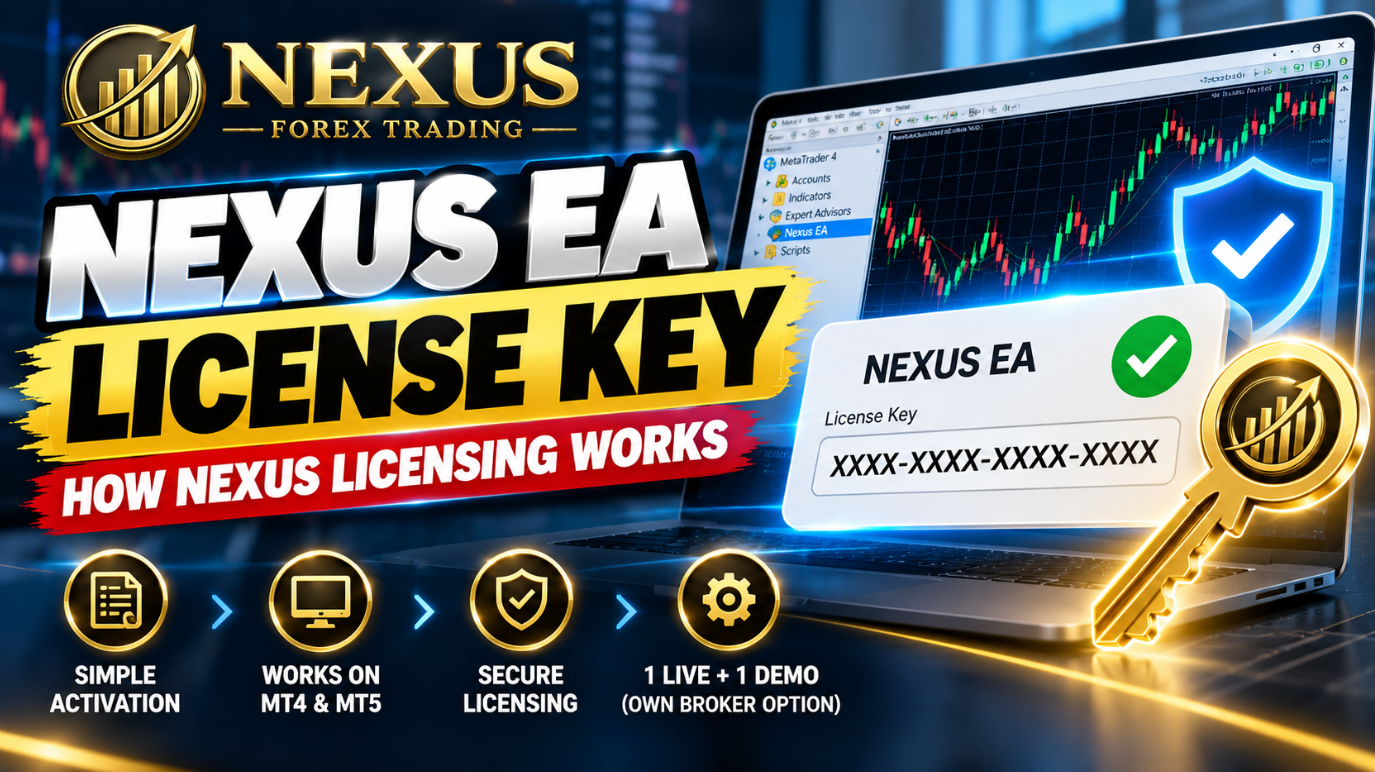
A Nexus licence is issued to a named trading account, not to you in general. A demo licence is tied to the one demo account you gave when you applied. A live licence is tied to the live account Nexus verifies. That is why the account number and platform you submit need to match what you actually trade on. It is also why Nexus never needs your broker password or your MetaTrader password: it only needs the account details to issue the licence.
Both platforms are supported, and the same pair of EAs is supplied either way, on every licence route. MT4 is the older platform and is still widely offered by brokers. MT5 is the newer one. In practice the choice usually comes down to what your broker offers and which platform you are more comfortable using.
| Nexus Forex EA on MT4 | Nexus Forex EA on MT5 | |
|---|---|---|
| Supported by Nexus | Yes, both EAs | Yes, both EAs |
| Public live record | One real-money cent account, EURUSD EA only | Not covered by the public record, so test it on demo |
| Often the better fit if | Your broker offers it and you want to match the platform of the public record | Your broker offers MT5 or you prefer the newer platform |
Whichever you choose, run the demo on the same platform you intend to use live. That way, what you observe during the 60 days is what you would actually be running.
Setting up the Nexus trading bot takes six steps, on a demo or a live account. The full walkthrough is in the Nexus EA setup guide.
If nothing seems to be happening, check the basics first: you are logged in to the licensed account, automated trading is switched on in the terminal, the EA is enabled on its chart, and the terminal is connected to the broker. The setup guide covers each of these, and our support team can help if something still looks wrong.
The public evidence for the Nexus Forex EA is one real-money USD cent account on Myfxbook. You can view the Myfxbook account yourself, and our live results page sets it out alongside the risks.
A cent account holds its balance in cent units, so every figure it shows is 100 times the USD equivalent. Divide by 100 to read the numbers in dollars. Some traders use cent accounts to keep the amount at risk small while they watch an EA trade with real money.
There is no public live record for the GBPUSD EA. The live evidence covers the EURUSD EA only, so nothing here should be read as live evidence for GBPUSD.
One account is one account. It shows what happened there, not what will happen on yours.
Demo results and backtests are not live results. They are useful for checking that the EA runs on your setup, not for predicting returns.
Drawdown is the fall from a peak in account value to a later low, and it is one of the most useful measures of how uncomfortable a strategy can be to hold. Myfxbook shows a large all-time maximum drawdown on this account, and the largest fall came in January 2026. We would rather you see that before you trade than after. The forex EA drawdown calculator lets you see what a fall of any size would mean on a balance of your choosing.
Every route gives you the same EURUSD and GBPUSD EAs for MT4 and MT5. The difference is your broker and how the licence is paid for: free through a Preferred Broker, from $49.95 a month on your own broker, or free on demo for 60 days.
Best if you are happy to trade through a partner broker.
Get my 100% Free Live Trading Licence →Best if you want to stay with your current broker.
Start monthly, $49.95 →or pay once: $499.95 lifetime →Best if you want to see it run before anything else.
Start free demo →Nexus may receive compensation from Preferred Brokers. Eligibility, account funding and verification requirements apply. Prices in US dollars.
Nexus may receive compensation from Preferred Brokers, and that is how the 100% Free Live Trading Licence is funded. It is the same software sold as the $499.95 lifetime licence. Eligibility depends on where you live, and RoboForex has restrictions for UK clients, so check the forex broker by country page before you open anything.
If you would rather stay with your current broker, the Own Broker Licence costs $49.95 a month (cancel any time), $134.85 a quarter (save 10%) or $499.95 one-time for a lifetime licence. Every plan covers one live and one demo account licence, both EAs, MT4 and MT5, presets, documentation, updates and support. You buy online and enter your broker, platform and live account number at checkout. Broker compatibility must be confirmed before Nexus is used on a live account, which the free demo lets you do first.
Yes. Both the EURUSD and GBPUSD EAs are supplied for MT4 and MT5. The public live record is an MT4 account, so if you choose MT5, use the demo to confirm it behaves as you expect.
The live licence is 100% free on an eligible funded Preferred Broker account verified by Nexus, and the 60-day demo is free. If you keep your own broker, the Own Broker Licence is $49.95 a month (cancel any time), $134.85 a quarter or $499.95 one-time. Your broker's own trading costs, and a VPS if you use one, are separate.
Yes. You do not pay Nexus for the licence. Nexus may receive compensation from the Preferred Broker when an eligible account is opened and traded through the Nexus link. You still fund your own trading account, and the broker's spreads, commissions and swaps apply as normal.
Yes. The monthly plan can be cancelled any time, and the licence stays active until the end of the period you have paid for. You can also switch to the lifetime licence later.
Yes. The demo gives you both EAs on one demo account for 60 days, with the files emailed within 8–24 hours. When it ends, nothing continues automatically and nothing needs cancelling.
No. The public live evidence is one real-money USD cent account running the EURUSD EA only. There is no public GBPUSD live record, so judge the GBPUSD EA on your own demo testing.
Yes. Like any trading system, it can lose money, and the public record includes a large drawdown. Only trade with money you can afford to lose.
No. Nexus never requires your broker password, your MetaTrader password or access to your funds to verify an account or issue a licence.
Go live with the 100% Free Live Trading Licence through a Preferred Broker, keep your own broker from $49.95 a month, or test it free for 60 days first.
Not ready for live? Start the free 60-day demo · Ask which route suits me. We do not give investment advice, but we can explain the practical options for your country and broker. Nexus may receive compensation from Preferred Brokers.
Risk warning: Trading forex and CFDs involves significant risk of loss. Past performance does not guarantee future results. Nexus Forex Trading provides trading software and education, not financial advice. Nexus may receive compensation from Preferred Brokers when eligible clients open and trade through a Nexus broker link.