
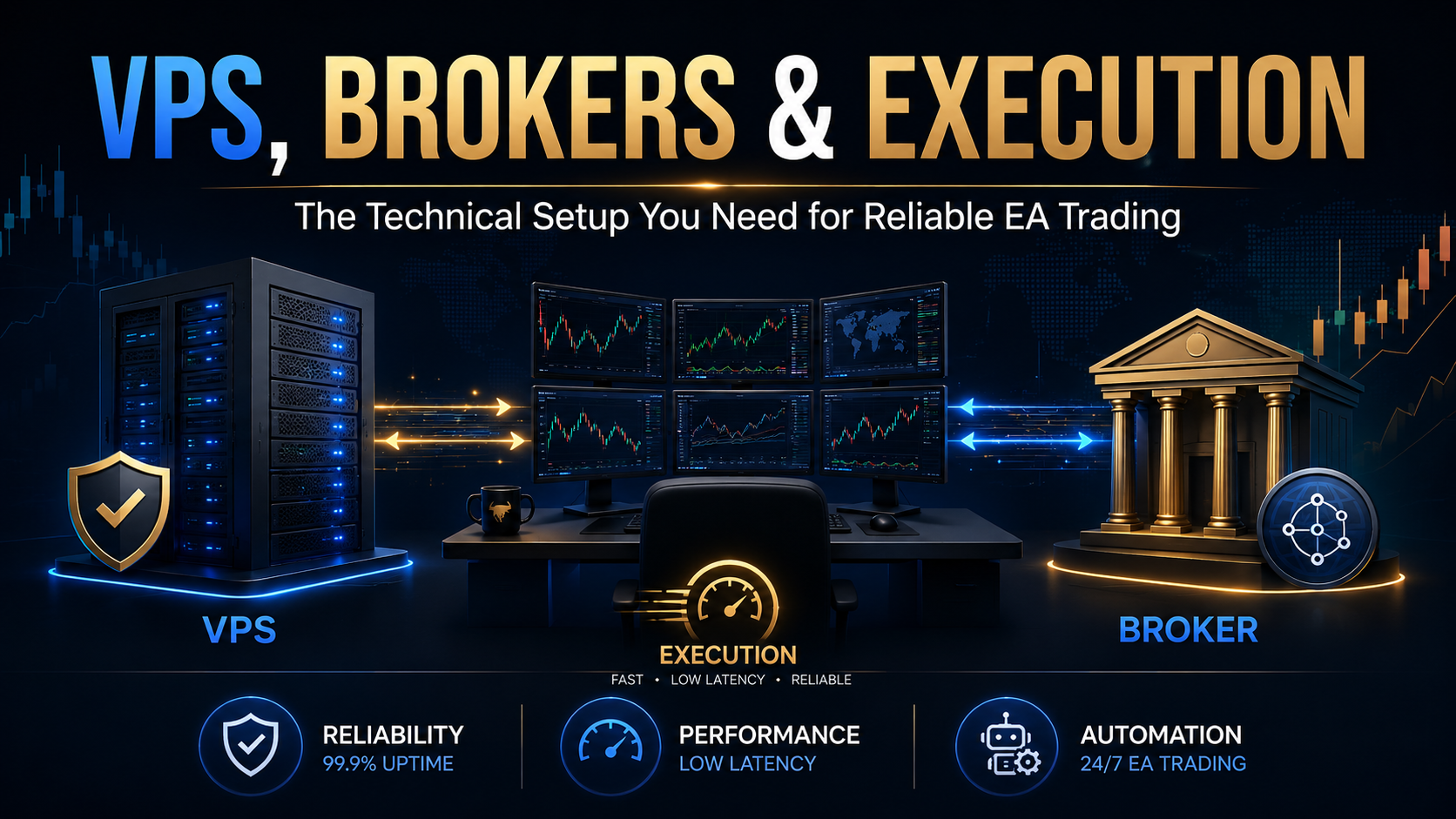
VPS, Brokers & Execution: The Technical Setup You Need for Reliable EA Trading
Your EA's performance in live markets depends on far more than the strategy code. Latency, spreads, slippage, broker execution models, and infrastructure uptime all compound — silently eating into returns or amplifying them. This guide covers every layer of the technical stack.
- Why Technical Setup Defines EA Performance
- What a VPS Actually Does for EA Trading
- Latency, Slippage & Execution: The Hidden Cost
- Understanding Broker Execution Models
- RoboForex — ECN Conditions & Free VPS
- Vantage Markets — Ultra-Low Latency & Raw Spreads
- AvaTrade — Regulated, Stable, Beginner-Friendly
- Side-by-Side Broker Comparison
- Your EA Technical Setup Checklist
- Start Trading with a Proven EA
Why Technical Setup Defines EA Performance
Most traders spend months researching strategy logic — backtesting entry signals, optimising parameters, studying win rates. Far fewer spend equivalent time thinking about the infrastructure that delivers that strategy into live markets. That gap is one of the most underestimated causes of live performance diverging from backtested results.
An Expert Advisor (EA) is only as reliable as the environment it runs in. If your broker widens spreads at entry, fills orders with two pips of slippage, or your home computer loses its internet connection mid-trade, no amount of strategy optimisation can fully compensate. The technical stack — VPS hosting, broker execution model, spread environment, and order routing — is what connects your strategy to the actual market.
This guide covers the full technical setup in practical terms: what a VPS does, how latency and slippage interact, what execution models mean for EA performance, and which brokers stand out for automated trading — specifically RoboForex, Vantage Markets, and AvaTrade.
What a VPS Actually Does for EA Trading
A Virtual Private Server (VPS) is a remotely hosted computer that runs your MetaTrader 4 platform and EA 24 hours a day, 7 days a week — independently of your home internet connection, your laptop battery, or your local power supply. When you run an EA from a home PC, you introduce a layer of fragility that no strategy can account for.
The Problem with Running an EA from a Home PC
Consider what happens when your broadband drops for 30 seconds during a London session volatility spike. Your EA cannot close an open position that is moving against you. Or your Windows machine restarts overnight for an update, leaving your chart without an attached EA for three hours. These are not edge cases — they happen regularly, and their consequences in live trading can be significant.
A VPS eliminates these variables. It runs on enterprise-grade infrastructure with redundant power, redundant network connections, and SLA-backed uptime commitments — typically 99.9% or higher. Your EA keeps executing without interruption whether you are asleep, travelling, or your home connection goes down.
VPS Location and Why Proximity to Your Broker's Server Matters
Beyond uptime, the location of your VPS relative to your broker's trading server is the single most important factor in execution speed. When your EA generates a trade signal in MetaTrader, that order has to travel from your platform to your broker's matching engine and back. Every millisecond of that round trip is latency — and latency directly determines how close your actual fill price is to your intended price.
Same data centre
e.g. London VPS → London broker
e.g. Europe VPS → EU broker
e.g. Asia VPS → London broker
For most EA strategies — including systematic grid and martingale approaches used on pairs like EUR/USD — a latency of under 20ms is the practical target. Scalping strategies sensitive to entry price need under 5ms. Anything above 100ms introduces meaningful slippage risk during fast-moving sessions.
If you are looking for a dedicated forex VPS provider, ChocoPing is a specialist forex VPS service with servers co-located in the same data centres as major broker trading engines — worth considering for traders who need the best possible execution environment.
Latency, Slippage & Execution: The Hidden Cost
Slippage is the difference between the price your EA sent an order at and the price the broker actually filled it at. Positive slippage — filling at a better price — exists, but negative slippage is far more common during volatile periods, and it compounds across hundreds of trades.
A Practical Slippage Example
Imagine your EUR/USD EA generates a buy signal at 1.08500 during the London open. Your home PC takes 180ms to route the order to your broker's server. In 180ms, EUR/USD has ticked to 1.08503. Your order fills at 1.08503 — three pips of negative slippage. On one trade, this is a minor inconvenience. But if your EA executes 200 trades per month with an average of 1.5 pips of slippage, that is 300 pips of pure infrastructure cost that has nothing to do with your strategy's logic.
A VPS co-located near your broker's server reduces this to near zero. The same order at 1ms latency fills at 1.08500 or 1.08501 — execution is essentially at the price that triggered the signal.
Spread vs Slippage: Understanding Both Costs
Spreads and slippage are related but distinct. The spread is the fixed (or floating) cost per trade built into every position — the difference between bid and ask price. Slippage is a variable, infrastructure-related cost that occurs when your order fills at a different price than requested.
For systematic EA traders, controlling total round-trip cost — spread plus commission plus average slippage — is the most reliable lever available to improve live performance without changing the strategy itself. Many traders improve results materially simply by switching to a broker with better execution conditions and moving their EA to a properly located VPS.
Understanding Broker Execution Models
Before evaluating specific brokers, it is important to understand the two main execution models that determine how your orders are handled:
ECN / STP (No Dealing Desk)
ECN (Electronic Communications Network) and STP (Straight Through Processing) brokers route your orders directly to liquidity providers — banks, institutional desks, and other market participants. There is no dealing desk in between. This means tighter spreads (often from 0.0 pips with a small commission per lot), faster execution, and no broker conflict of interest. ECN accounts are generally the gold standard for EA trading.
Market Maker (Dealing Desk)
Market makers take the other side of your trades internally. This allows them to offer fixed or very stable spreads, which suits certain trading styles. However, they can also profit when you lose, which can create conflict-of-interest concerns. For EA trading, market makers can be appropriate if their spreads are competitive and execution is consistent — but ECN is generally preferred for high-frequency or tight-stop strategies.
RoboForex — ECN Conditions & Free VPS Included
RoboForex is one of the most EA-friendly brokers available and is a recommended partner for Nexus Forex Trading. Its ECN account delivers spreads from 0.0 pips on EUR/USD — among the tightest in the retail forex space — paired with a commission of $4 per round lot. The Prime account goes further with commissions as low as $2 per lot, making it attractive for high-volume automated trading.
One of RoboForex's standout advantages for EA traders is its free built-in VPS. Qualifying accounts (balance above $300 and 3+ standard lots traded per month) receive complimentary VPS hosting on RoboForex's own infrastructure, with a reported latency of approximately 45 milliseconds to its trading servers. While not as tight as a dedicated co-location VPS provider, this is a meaningful advantage for traders who want a low-friction setup without managing a separate VPS subscription.
RoboForex also offers a ProCent account — ideal for testing EAs with real live conditions on a micro-lot scale, exactly as used in Nexus Forex's verified cent account trading approach. The Pro account (no commission, spreads from 1.3 pips) suits traders preferring simplicity, while the ECN and Prime accounts suit those running execution-sensitive EAs.
Open a RoboForex Account →Vantage Markets — Ultra-Low Latency & Raw Spreads
Vantage Markets is another Nexus Forex partner broker and represents one of the strongest options for EA traders who prioritise execution speed above all else. With VPS hosting achieving execution speeds of around 4–5 milliseconds, Vantage sits in the elite tier of retail brokers for latency-sensitive automated trading.
Full MetaTrader 4 compatibility with unrestricted Expert Advisor support means your EA installs and runs exactly as intended, including DLL imports, custom indicators, and any trade management logic your strategy requires. Vantage's raw spread account delivers EUR/USD spreads from 0.0 pips with a small commission per lot — conditions well-suited to systematic trading approaches that execute at scale.
Vantage is regulated by ASIC (Australia), the FCA (UK), and CIMA (Cayman Islands), making it one of the most heavily regulated brokers among those offering raw ECN conditions. For traders where regulatory standing matters — particularly for peace of mind around fund segregation and withdrawal reliability — Vantage combines competitive execution with institutional-grade oversight.
Built-in strategy testers on MT4 let you fine-tune EA parameters against historical data before going live, and with over 90,000 copy trading signal providers, Vantage also suits traders who want exposure to multiple automated strategies simultaneously.
Open a Vantage Markets Account →AvaTrade — Regulated, Stable & Beginner-Friendly EA Support
AvaTrade offers a different proposition to RoboForex and Vantage Markets, and it is one that suits a specific type of EA trader. Founded in 2006 and headquartered in Dublin, AvaTrade is regulated across nine jurisdictions on six continents — including the Central Bank of Ireland, ASIC, FSCA, and BVI FSC — making it one of the most comprehensively regulated retail forex brokers in the world.
AvaTrade operates as a market maker with a spread-only pricing model, meaning there are no per-lot commissions. EUR/USD spreads typically start around 0.9 pips, which is wider than RoboForex ECN or Vantage raw accounts but includes no separate commission charge. For EAs that hold positions for longer periods — swing-style or position-management strategies with wider profit targets — the all-in cost of 0.9 pips is very competitive.
AvaTrade explicitly supports Expert Advisors on its MT4 platform. Traders can define EA parameters including risk percentage, lot sizing, spread tolerance, hedging, and take profit targets through the standard MT4 EA interface. AvaTrade's EA guide recommends comparing multiple advisors before committing capital, and their platform supports the full MT4 testing suite for that purpose.
Where AvaTrade particularly stands out is stability, reliability, and educational support. For traders new to running EAs live — or who want a regulated, trustworthy environment for their first automated trading experience — AvaTrade's global infrastructure, 24/5 multilingual support, and transparent fee structure make it an excellent on-ramp. Note: as of May 2026, AvaTrade no longer accepts new UK retail clients. Traders in other regions should check availability in their jurisdiction before opening an account.
Open an AvaTrade Account →Side-by-Side Broker Comparison for EA Trading
Here is a direct comparison of the three recommended brokers across the metrics that matter most for running an EA on MetaTrader 4:
| Feature | RoboForex | Vantage Markets | AvaTrade |
|---|---|---|---|
| Execution Model | ECN / NDD | ECN / STP | Market Maker |
| EUR/USD Spread (ECN/Raw) | From 0.0 pips | From 0.0 pips | ~0.9 pips (no commission) |
| Commission per Round Lot | $2–$4 (ECN/Prime) | Per lot (Raw account) | None |
| Free / Built-in VPS | Yes (qualifying accounts) | Yes | Not included |
| MT4 EA Support | Full | Full | Full |
| Scalping / High-Frequency Allowed | Yes | Yes | Check account terms |
| ProCent / Micro Account | Yes (ProCent) | Standard lot options | No micro account |
| Regulation Strength | FSC Belize | ASIC / FCA / CIMA | 9 jurisdictions (CBI, ASIC, FSCA) |
| Best suited for | ECN EA traders, cent account testing | Speed-sensitive EA, execution-first | Beginners, regulated environment |
Your EA Technical Setup Checklist
Before going live with any EA, work through this checklist. Each item directly affects execution quality, uptime reliability, or cost-per-trade — the three pillars of a sound automated trading infrastructure.
- ✅ Choose an EA-compatible broker — Confirm the broker explicitly supports Expert Advisors on MT4, allows your strategy type (scalping, hedging, grid, martingale), and does not impose undisclosed trading restrictions.
- ✅ Understand your broker's execution model — Know whether you are on ECN/STP or market maker, and choose the account type (ECN vs Pro/Standard) that matches your EA's sensitivity to spread costs.
- ✅ Match VPS location to your broker's server — Find out which city your broker's trading server is in (London, New York, Singapore are most common) and choose a VPS in the same location. Aim for under 10ms ping.
- ✅ Confirm VPS specs meet MT4 requirements — Minimum 1GB RAM (2GB+ recommended for multiple EAs), SSD storage, Windows Server OS, and RDP access. MT4 is relatively lightweight, but multiple chart windows and EAs add up.
- ✅ Test on a live cent or micro account first — Never deploy a new EA directly to a full-sized live account. A cent account (such as RoboForex ProCent) lets you run real live conditions with minimal capital exposure while validating execution performance.
- ✅ Measure actual slippage in live conditions — After your first week live, review your trade history and compare requested vs actual fill prices. If average slippage exceeds 1 pip consistently, investigate broker routing or VPS location.
- ✅ Disable AutoTrading during news events if required — Some EAs behave unpredictably during major economic releases (NFP, ECB rate decisions, CPI). Know your EA's news filter settings and configure accordingly — or use MT4's built-in AutoTrading toggle as a manual override.
- ✅ Set up VPS monitoring and alerts — Most VPS providers offer email or SMS alerts if the server goes offline. Configure these so you can restart your platform immediately if an unexpected reboot occurs.
- ✅ Track total execution cost, not just spread — Use a trading journal or your MT4 account history to calculate total cost per trade: spread + commission + average slippage. This is your real cost baseline for performance analysis.
- ✅ Verify performance independently where possible — Use a third-party tracking service such as Myfxbook to independently verify your EA's live performance. Verified results are the gold standard for evaluating strategy integrity.
None of these steps are complicated, but skipping them is one of the most common reasons an EA that performed well in backtesting underperforms in live markets. The setup work is front-loaded — once your environment is configured correctly, it largely runs itself.
Further Reading and Resources
These external resources provide additional depth on the technical topics covered in this guide:
- How VPS Latency Impacts Forex Trading Performance — TradingFXVPS
- VPS for Forex Trading Bots: Achieving Ultra-Low Latency — MassiveGRID
- AvaTrade Expert Advisors Guide — AvaTrade
- Myfxbook — Independent live account performance verification
Join Nexus Forex Trading — A Rules-Based EUR/USD EA with Verified Live Results
The technical setup covered in this guide isn't theoretical — it's the exact infrastructure behind Nexus Forex's verified Myfxbook live accounts, posting +$4,936.80 in May 2026 alone with 21 consecutive green trading days.