Description
|
⚠ Please read before purchasing
This fee is ONLY required if you want to use your own MT4 broker instead of one of our three approved partner brokers. If you are signing up with RoboForex, Vantage Markets, or AvaTrade via our partner link, activation is already included at no extra cost — do not purchase this. Contact us first if you are unsure: info@nexusforextrading.com
|
Before You Buy
Do You Actually Need This Fee?
✓ You do NOT need this if you are:
| ✓ Opening a new account with RoboForex via our link |
| ✓ Opening a new account with Vantage Markets via our link |
| ✓ Opening a new account with AvaTrade via our link |
| ✓ Already a client with one of the above and linking via our partner link |
→ If this is you: activation is included with your EA purchase at no extra cost. View our partner brokers here.
|
✓ You DO need this if you are:
| → Using a broker not on our approved partner list |
| → Keeping an existing broker account not linked to Nexus |
| → Trading with a proprietary or institutional broker |
| → Using a broker in a country where our partner brokers are unavailable |
→ If this is you: contact us before purchasing to confirm compatibility. info@nexusforextrading.com
|
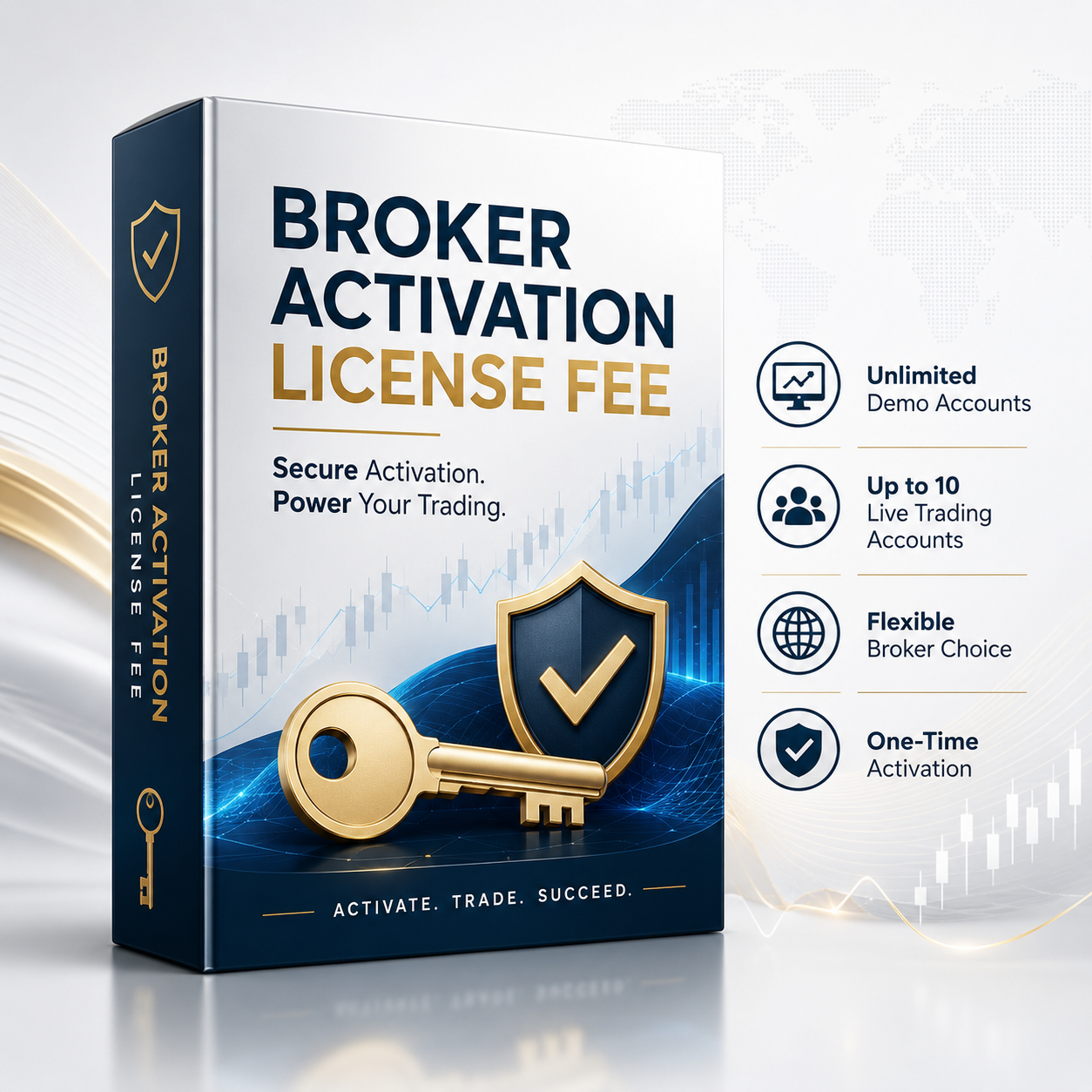
What This Fee Covers
What Is Included with the Activation Fee
When you trade through a non-partner broker, your setup requires individual checks and manual configuration that our partner broker route handles automatically. This fee covers all of that work.
|
Compatibility & Configuration
| ✓Broker compatibility check — confirmation the EA can run on your broker and account type |
| ✓Manual EA configuration — custom settings adjusted for your broker’s spread, execution, and account structure |
| ✓Licence activation — EA files licensed and coded to your specific MT4 account number |
| ✓Preset review — preset profiles reviewed and adjusted for your broker’s conditions where needed |
|
|
Support & Onboarding
| ✓Dedicated activation support — direct contact with the Nexus team throughout your setup |
| ✓Full onboarding package with step-by-step instructions |
| ✓Up to 15 demo accounts per EA build |
| ✓Up to 10 live trading accounts per EA build |
|
Important: This fee must be purchased in addition to your chosen EA product (EURUSD EA, GBPUSD EA, or Bundle). It does not include the EA software itself. Purchase your preferred EA first, then add this fee if required for own-broker activation.
Cost Comparison
Partner Broker vs Own Broker — Total Cost
Opening a free partner broker account saves you $499.95 and is the simplest route to getting started. If you have a specific reason to use your own broker, the fee below covers everything needed to make it work.
★ Partner Broker — EURUSD EA
$99.95
EA + free activation
Broker: free to open
|
★ Partner Broker — Bundle
$159.95
Both EAs + free activation
Broker: free to open
|
Own Broker — e.g. EURUSD EA
$598.90
$99.95 EA + $499.95 this fee
Plus your existing broker
|
After Purchase
How Own-Broker Activation Works
|
1
Purchase Both Products
Purchase your EA (EURUSD, GBPUSD, or Bundle) plus this activation fee.
|
2
Send Broker Details
Email your broker name, account type, and MT4 account number to us.
|
3
Compatibility Check
We verify your broker and account type are compatible with the EA.
|
4
Configure & Activate
We configure settings for your broker and send your licensed EA files.
|
5
Install & Test on Demo
Install on VPS, run on demo, and validate before risking capital.
|
Common Questions
Own Broker Activation FAQ
I already have a broker account — do I need this?
+
It depends on which broker. If your existing broker is
RoboForex, Vantage Markets, or AvaTrade — check whether you can link your existing account via our partner link. If so, you may qualify for free activation. If your broker is not on our approved list and you want to keep using it, then yes, this fee is required.
Contact us first at info@nexusforextrading.com and we will confirm which route applies to you before you purchase anything.
Why is there a fee for using my own broker?
+
When you trade through one of our preferred partner brokers, activation is handled automatically as part of our partnership agreement — at no extra cost to you. When you use your own broker, we need to manually check that the EA is compatible with your broker’s platform, spreads, execution model, and account type, then configure the settings accordingly, and provide dedicated setup support throughout. This additional work is what the $499.95 fee covers. It is a one-time fee covering all configuration work for your specific broker environment.
Can you guarantee the EA will work on my broker?
+
We will carry out a full compatibility check before confirming activation. This is why we ask you to contact us before purchasing — to verify that your specific broker, account type, and trading conditions are compatible with the EA. If for any reason we determine your setup is not compatible, we will advise you of this before you complete the purchase. We do not accept payment for activations we cannot complete.
Does this fee cover both EURUSD and GBPUSD if I buy the Bundle?
+
Yes. One Own Broker Activation Licence Fee covers all EA builds in your order — whether you are purchasing just the EURUSD EA, just the GBPUSD EA, or the full Bundle with both. You do not need to purchase this fee twice if you buy the Bundle.
Should I purchase this at the same time as my EA?
+
Yes — purchase both your chosen EA and this fee together, or contact us first so we can confirm compatibility before you checkout. Do not purchase this fee without also holding a Nexus EA licence, as the fee covers activation of an EA product and has no standalone function.
|
Not sure if you need this?
Contact us before purchasing
We will confirm whether your broker qualifies for free partner activation, or whether this fee applies to your situation. We respond within 24 hours.
|
Email Us First
info@nexusforextrading.com
|
Risk Warning: Forex trading involves significant risk and can result in the loss of your capital. Nexus Forex Trading provides MT4 Expert Advisor software only — we are not a broker, investment adviser, or fund manager. Past performance, live results, and Myfxbook data do not guarantee future results. EA performance is affected by broker conditions, spreads, execution speed, account type, leverage, and VPS stability. Always test on demo first and only trade capital you can afford to lose. Read full disclaimer →